
Introduction
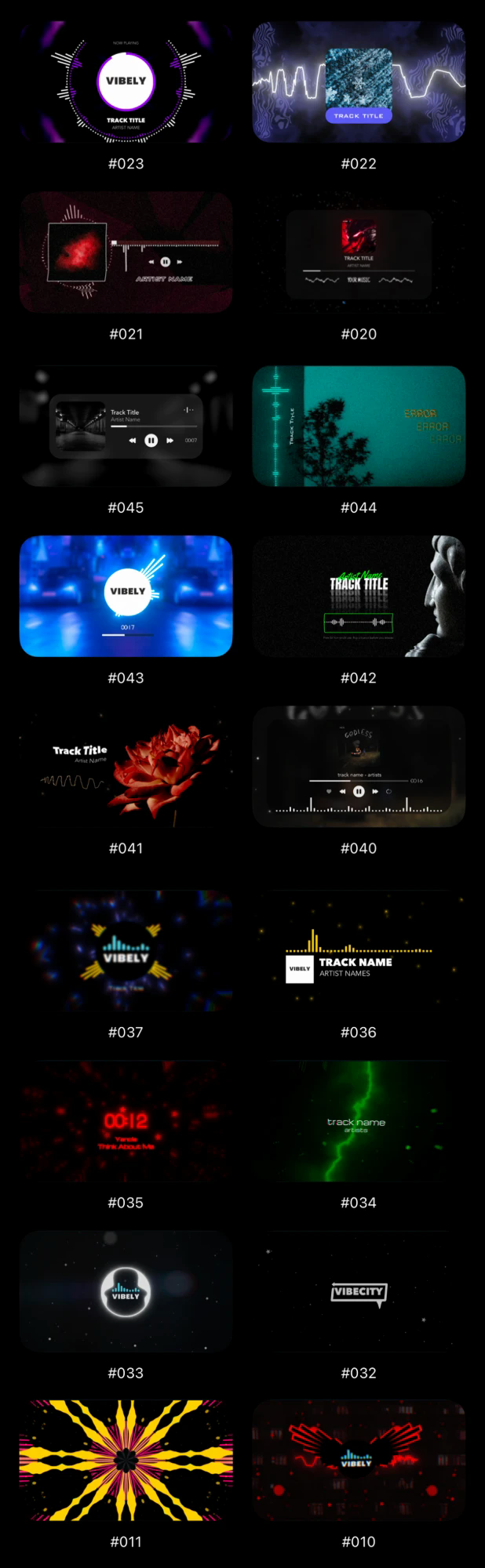
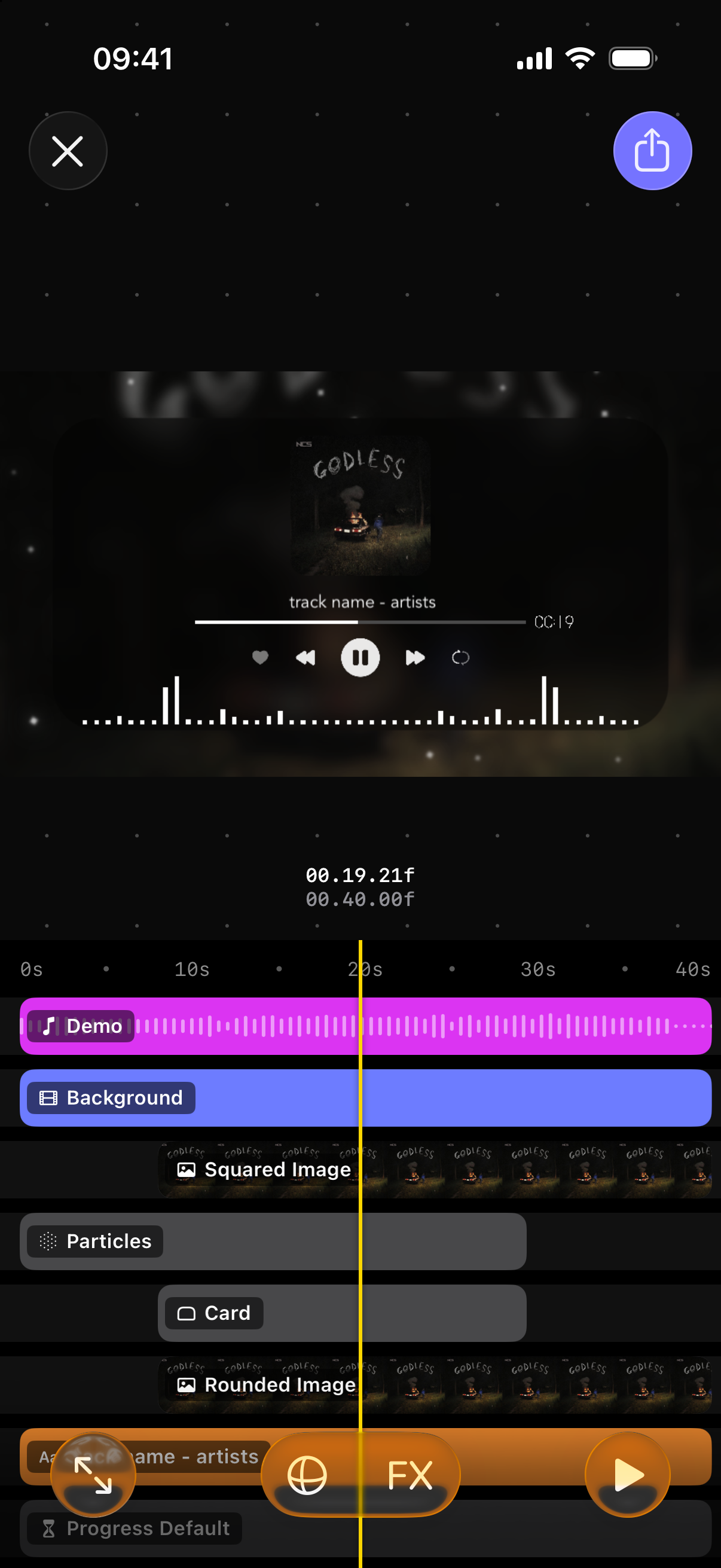
Vibely turns a song into a music video. You pick a song, add a background video if you like, and stack layers on top: spectrums, waveforms, particles, text, your cover art and more. Most of them move with the music. Effects such as glow, blur or VHS change how a layer or the whole video looks. When it looks right, you export it as an MP4 video, ready for TikTok, Reels or YouTube Shorts.
This handbook explains every part of the app, one article at a time. Read it in order with the Next button, or jump to what you need.
Start here
- Projects: your saved projects and the templates to start from.
- The editor at a glance: the preview, the timeline and every button around them.
Still have questions?
If you didn't find what you were looking for, write to us or ask the community. We're happy to help.
Written for Vibely 4.0.2